Kiosk: purchases and quick questions
I am already an affiliate. How do I buy at the kiosk?
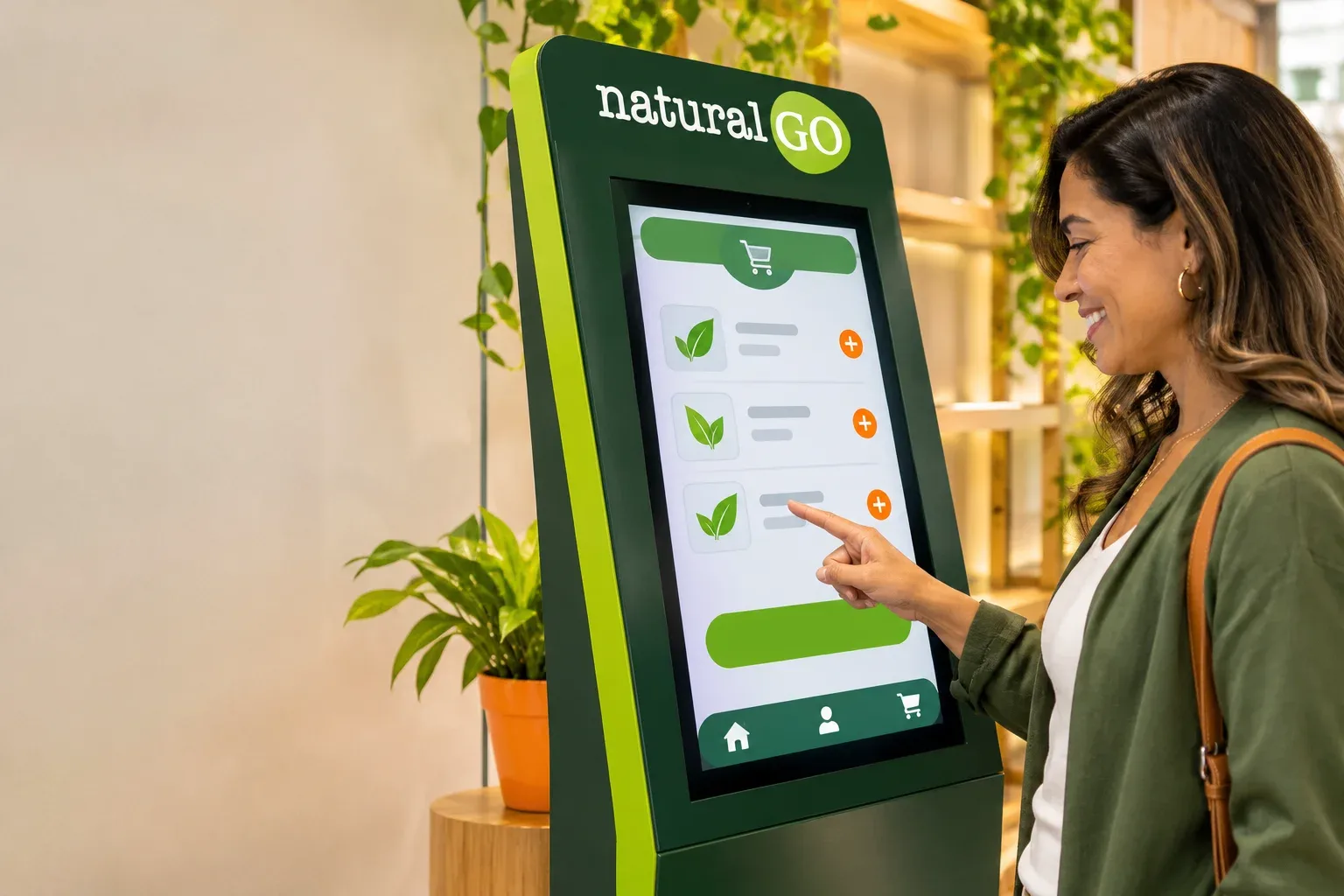
Open kiosko.naturalgo.org/brasil-corp or scan the store QR code. Tap “Comprar”, add products and tap “Continuar”. Enter your details using the same document (CPF) you used to join — if a warning appears on the document, check that it is the one from your membership. Tap “Enviar pedido” (Mercado Pago · Pix is already selected) and pay by scanning the QR code shown on screen or with “Copiar código Pix”.
How do I pay at the kiosk?
With Pix: the kiosk shows a QR code, you scan it with your banking app (or copy the Pix code) and the confirmation is automatic.
What if I do not pay?
The order is not confirmed and your affiliate code is not activated until the payment is approved.
Where can I see my order again?
Tap “Ver pedido” (view order). You can also take a screenshot showing your order code and affiliate code.
I need help joining. Who can I talk to?
Talk to Diego Fernandez (code BR638) on WhatsApp (11) 95109-9119 or visit our support center at Rua Bresser, 1330, in Brás.
Can I get the kit delivered at home?
Yes. In “Quero me afiliar”, choose “Entrega em casa”: the kiosk calculates Correios shipping (PAC or SEDEX) from your CEP and you pay for the kit and shipping in the same Pix. With “Comprar”, orders are pick-up only.
A different sponsor appeared. How do I change it?
Before paying, tap “Não é meu patrocinador” (not my sponsor), confirm with “Trocar” (change) and type code BR638 (Diego Fernandez).